Diagnose, correct, verify and publish from one place.
A premium academic production workflow for manuscripts, research data, references, visuals, submission documents and export packages.
Use PubNex Cure for journal manuscripts and publication packages. Use PubNex Studio for books, theses, dissertations, chapters and thesis-to-article conversion. Ask PubNex is included as a supporting voice-command add-on for faster navigation and reviewable workflow actions.
A cleaner flow from idea to submission.
The feature order is organised around how researchers actually work: define the study, prepare the manuscript, verify evidence, analyse data, create outputs and export the final package.
Manuscript, reference and publication tools in one workflow.
The main Cure workflow keeps correction, formatting, references, visuals and package export connected instead of scattered across separate tools. Ask PubNex sits on top as a supporting voice-command shortcut layer.
Smart manuscript intake
Import DOCX files, paste text, structure sections and organise authors, metadata, figures, tables, equations and supplementary content.
Correction & language intelligence
Run safe correction, UK/US consistency, grammar review, abbreviation support and academic terminology protection.
Complete reference intelligence
Match citations to bibliography records, detect missing or uncited items, verify identifiers and open DOI, PubMed or Scholar checks.
Journal formatting & compliance
Apply journal layouts or custom templates with typography, abstract limits, word limits, figure limits, keywords and reference styles.
Visual & statistical studio
Use Excel, CSV or template data to create publication graphs, summaries, multi-panel figures and study-flow diagrams.
Publication assets
Generate academic posters, graphical abstracts, conference slides, figure packages and visual summaries from the manuscript workflow.
Submission documents
Create cover letters, presubmission enquiries, revised-submission responses, transfer letters and confidential editor notes.
Publishing success audit
Review reporting standards, journal fit, originality pre-screening, dissemination materials and final submission risks.
Project control & recovery
Save and reopen projects, compare versions, keep notes, preserve audit information and run export preflight before download.
Ask PubNex voice add-on
Use spoken shortcuts for navigation and routine workflow actions while keeping manuscript edits, reference decisions and exports reviewable.
Ask PubNex adds voice control to the Cure workflow.
Ask PubNex is not the main product engine; it is an added voice-command layer inside PubNex Cure. The user gives spoken instructions, the app identifies the relevant workflow, previews the intended action and then performs the task while keeping academic decisions reviewable.
“Prepare my manuscript for submission.”
Voice shortcut detected → action previewed → user-approved execution.
Research Data Studio
From study idea to manuscript-ready results: plan, validate, analyse, visualise, interpret and report research data inside the PubNex Cure publication workflow.
Study planning and dataset design
Research Project Setup
- Research title and background logic
- PICO, PECO, PIT and SPIDER frameworks
- Objectives and hypotheses
- Methodology, population, comparator, outcomes and follow-up
Research Gap Analysis
- Literature and clinical relevance gaps
- Methodology and variable gaps
- Data completeness and statistical gaps
- Manuscript logic and journal-readiness gaps
Literature-Aligned Variable Planning
- Common variables and outcome measures
- Recommended scales and follow-up intervals
- Clinically meaningful endpoints
- Aligned with similar published study designs
Dataset & Codebook Builder
- Excel and CSV templates
- Variable names, labels and data types
- Allowed values, units and scoring rules
- Missing-value codes and full data dictionary
Sample Size & Feasibility Planner
- Sample-size needs
- Group balance
- Follow-up feasibility
- Missing-data risk and minimum data requirements
Data quality, analysis and visuals
Data Upload & Validation
- Import Excel and CSV data
- Check missing values and duplicate IDs
- Detect impossible values and coding errors
- Flag wrong units, outliers, date errors and incomplete follow-ups
Data Cleaning Assistant
- Suggest safe cleaning steps
- Preserve an audit trail for every change
- Track original value, revised value, reason and date
- Apply changes with user approval
Statistical Test Assistant
- Match tests to study design
- Consider groups and paired or unpaired data
- Use variable type and normality
- Support repeated measures and outcome structure
Publication Graph Builder
- Bar, line, box and scatter plots
- Forest plots, ROC curves and Bland–Altman plots
- Kaplan–Meier curves
- CONSORT and PRISMA flow diagrams
Results Writing Assistant
- Clear Results text
- Figure legends and table notes
- Statistical interpretation
- Clinically meaningful wording
Reporting, review and submission readiness
Reporting Checklist Mapping
- CONSORT, STROBE, PRISMA, CARE and STARD
- TRIPOD, COREQ, ARRIVE, CHEERS and SQUIRE
- Align manuscript and dataset with study-specific guidance
Trial & Review Readiness
- CONSORT and SPIRIT readiness
- Participant flow and protocol items
- Trial registration and analysis plan
- Open-science considerations
Systematic Review & Meta-analysis Prep
- PRISMA checklist mapping
- Screening flow and extraction tables
- Risk-of-bias summaries
- Effect-size tables and forest-plot-ready files
Research Data Studio supports real data, pilot planning, secondary data, teaching datasets and clearly labelled simulation workflows while keeping the researcher in control.
A safer reference workflow
PubNex Cure does not treat references as plain text. It connects in-text citations, bibliography records, scholarly metadata and review decisions while keeping the author in control.
Locate cited-but-missing references, uncited bibliography entries, duplicates and citation-numbering problems.
Check DOI, PMID and PMCID information, use approved scholarly metadata sources and open direct scholarly searches.
Suggested fresh or replacement references are not silently inserted. The user chooses what to apply or ignore.
Verification dates, reference histories, team review logs and protected retraction handling support transparent decisions.
Academic control remains with the user.
Automation supports the workflow, but important scientific and editorial decisions remain reviewable.
Local-first manuscript checks
Language, terminology and many correction functions run locally. Online scholarly lookup is used only when the user requests verification or freshening.
Protected scientific content
References, quotations, citations, DOI/PMID values, URLs, equations, drug names and technical identifiers receive conservative handling.
Clean academic outputs
PubNex branding is not inserted into manuscripts, journal-formatted files or academic submission packages.
Choose the workspace that matches the document.
Cure and Studio share the same academic-quality direction but serve different document types.
PubNex Cure
For journal manuscripts, articles, conference papers and complete publication workflows—from correction and references to visuals, editorial documents and final package export.
- Manuscript correction and journal formatting
- Reference, language and reporting intelligence
- Research Data Studio, graphs, posters, slides and letters
- Ask PubNex voice-command add-on
PubNex Studio
For books, theses, dissertations, chapters, long-form academic documents and converting a thesis into one or more journal articles.
- Book and thesis organization
- Thesis-to-article conversion
- Long-form formatting and structured exports
Prepare every major publication asset from the same project.
Move from manuscript preparation to visuals, submission documents and reusable source files without rebuilding content manually.
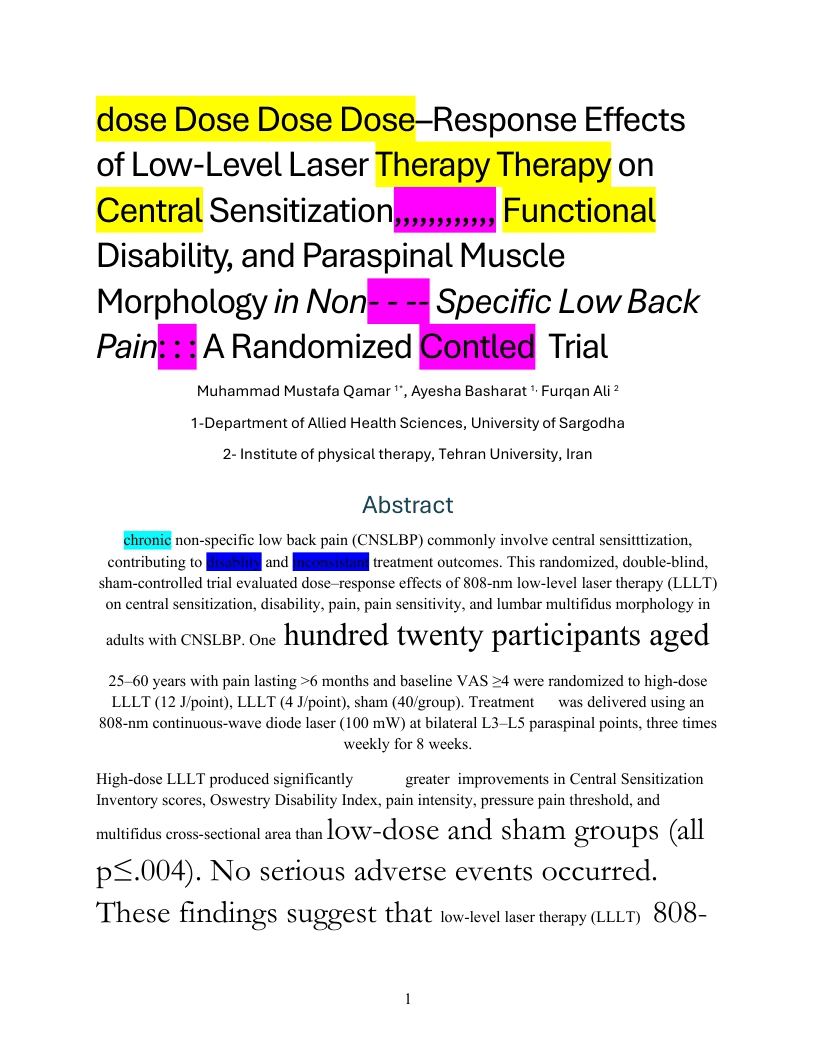
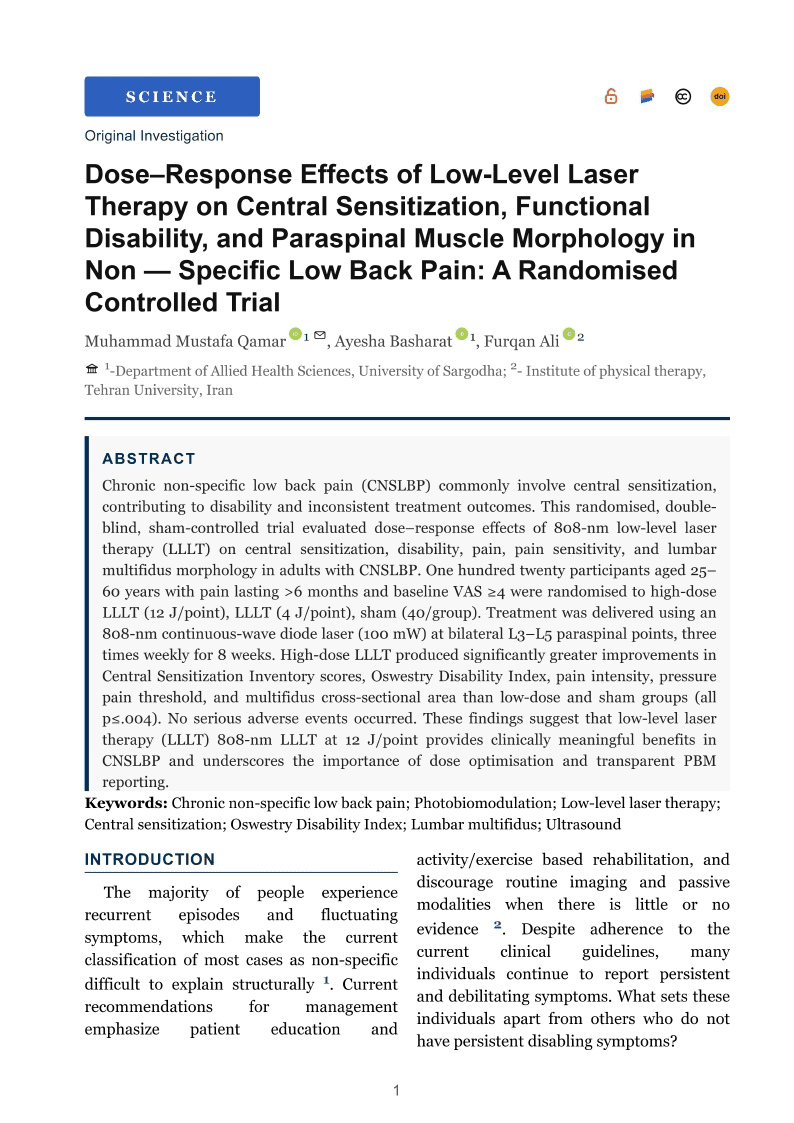
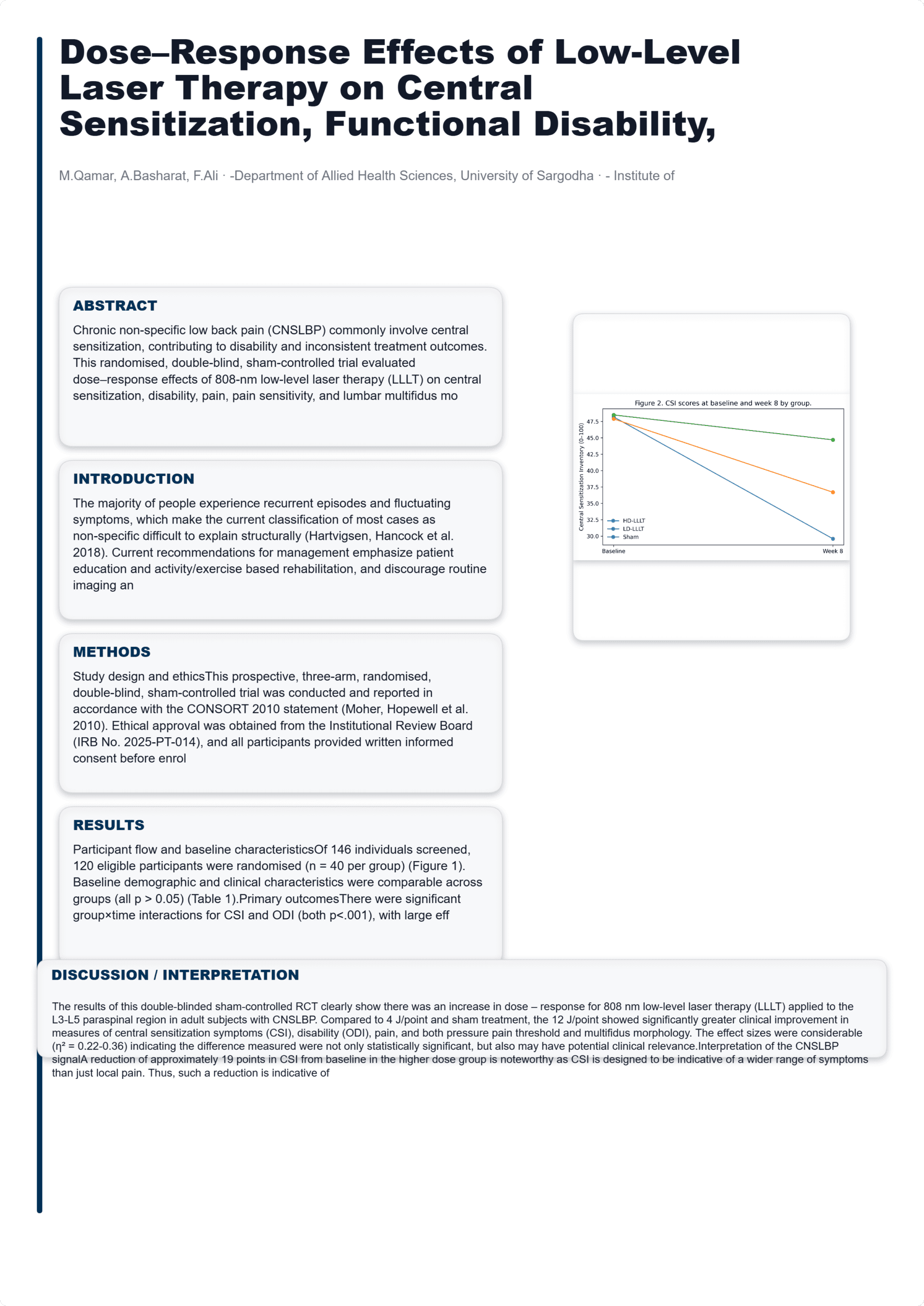
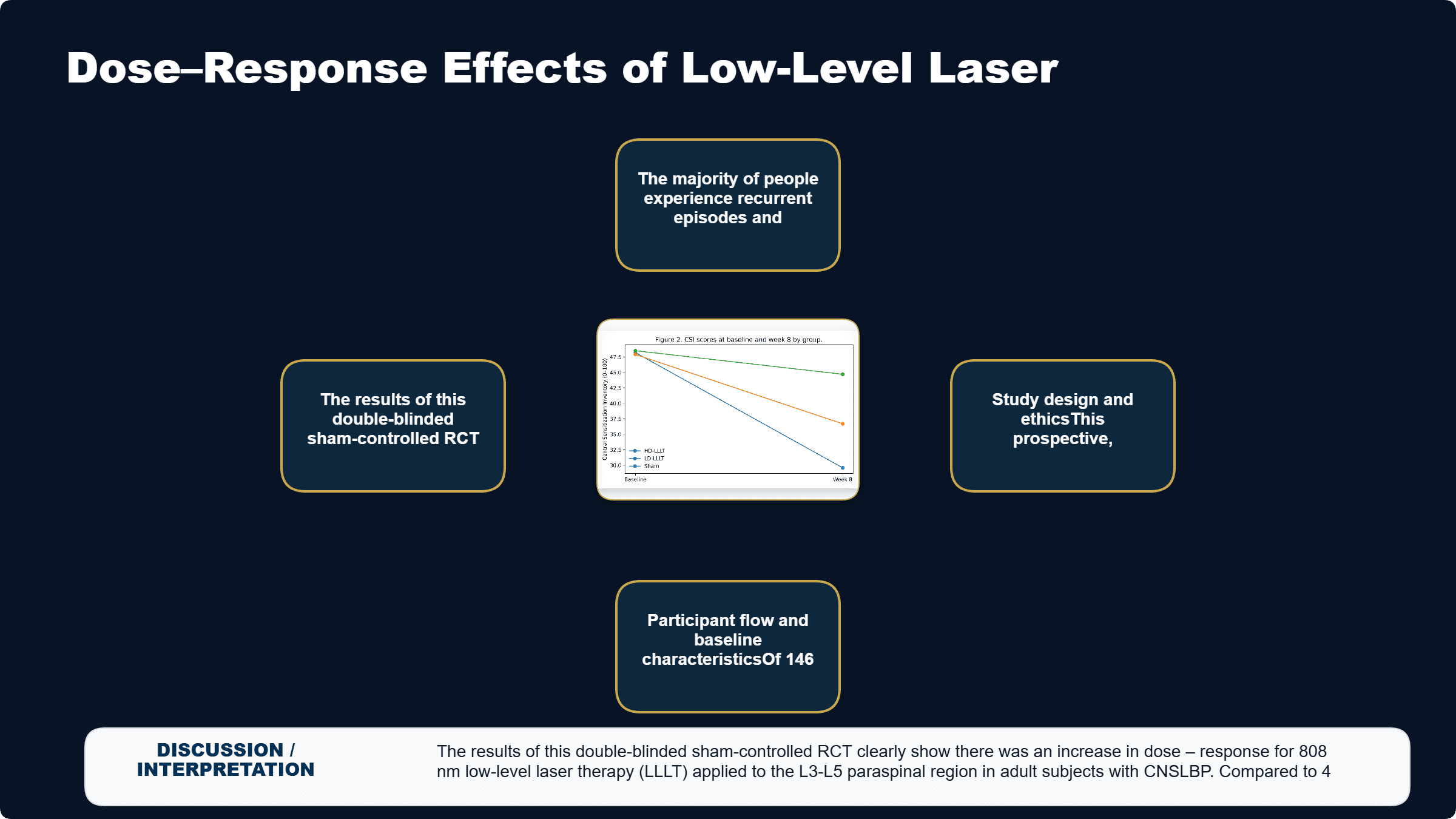
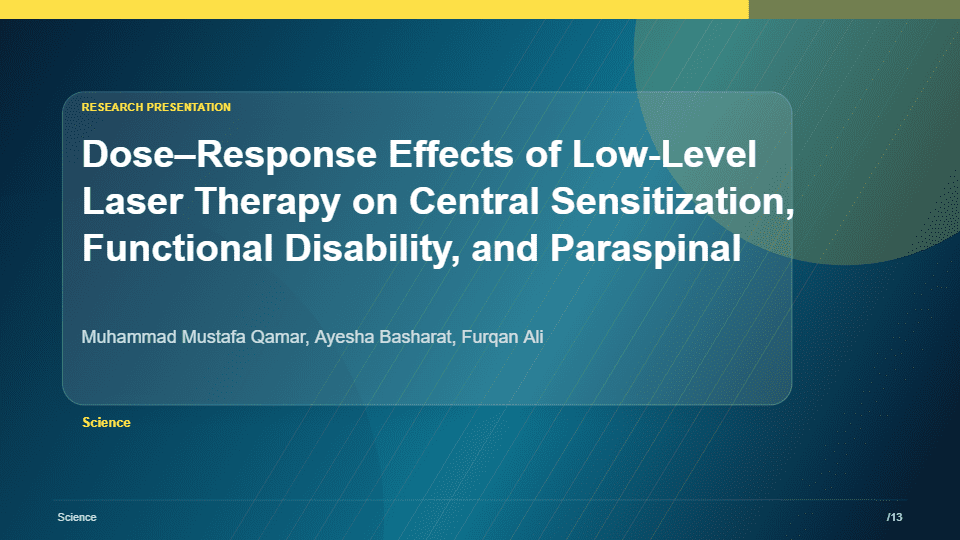
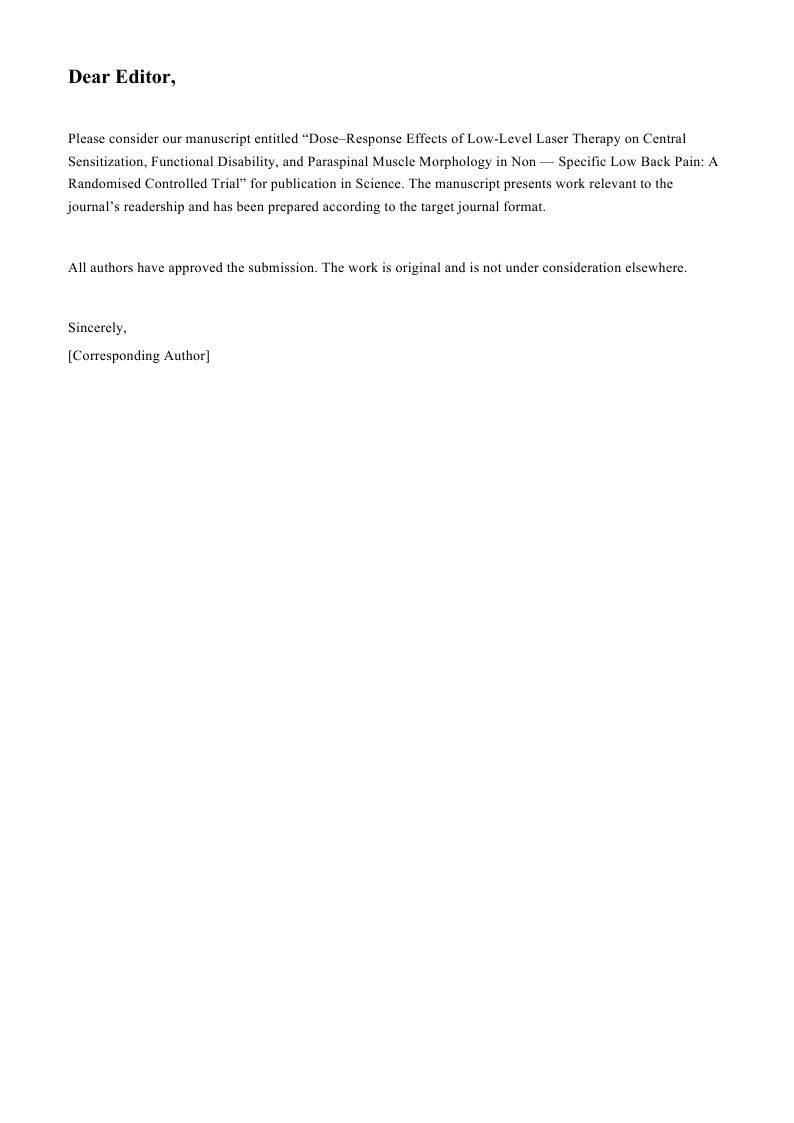
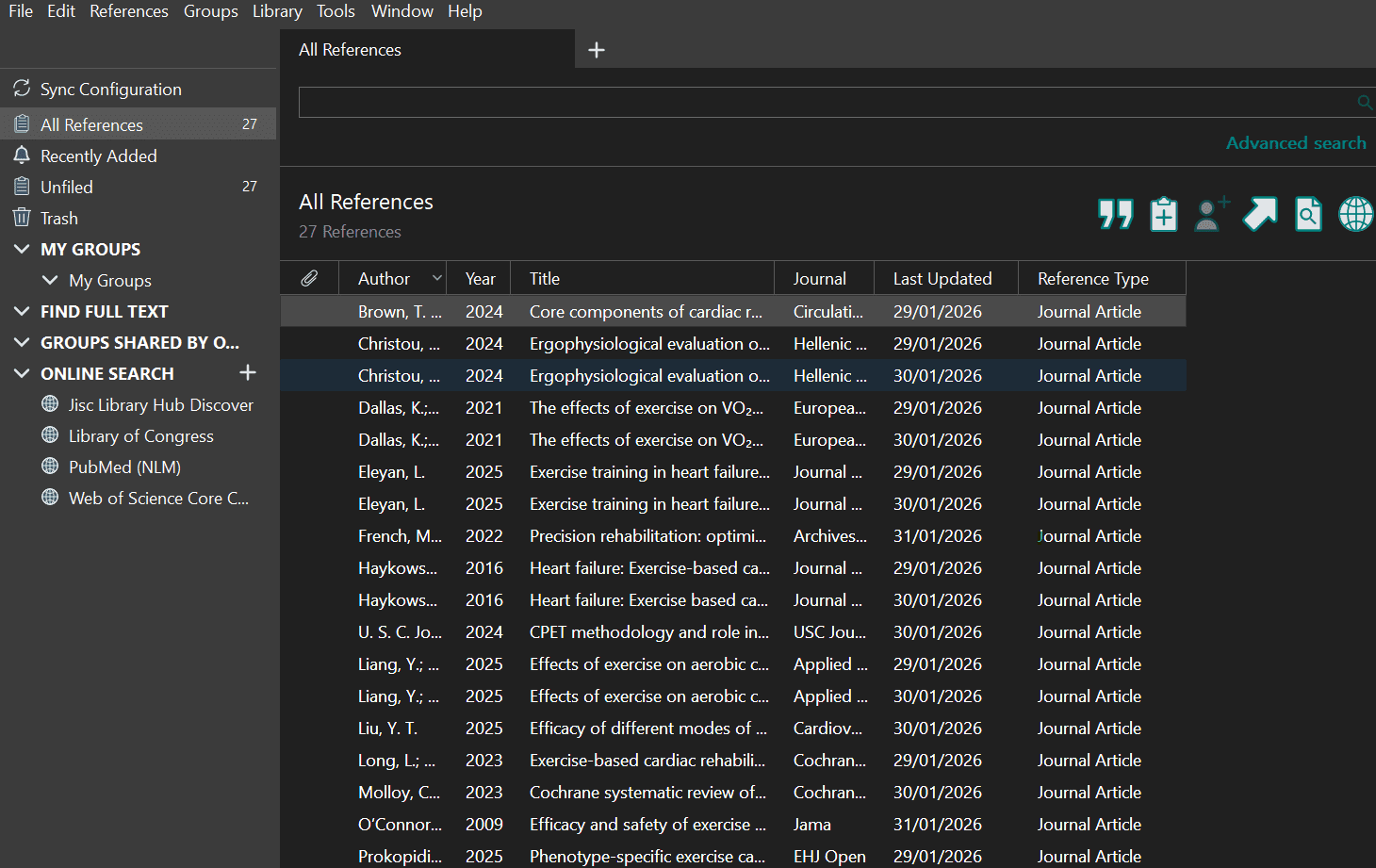
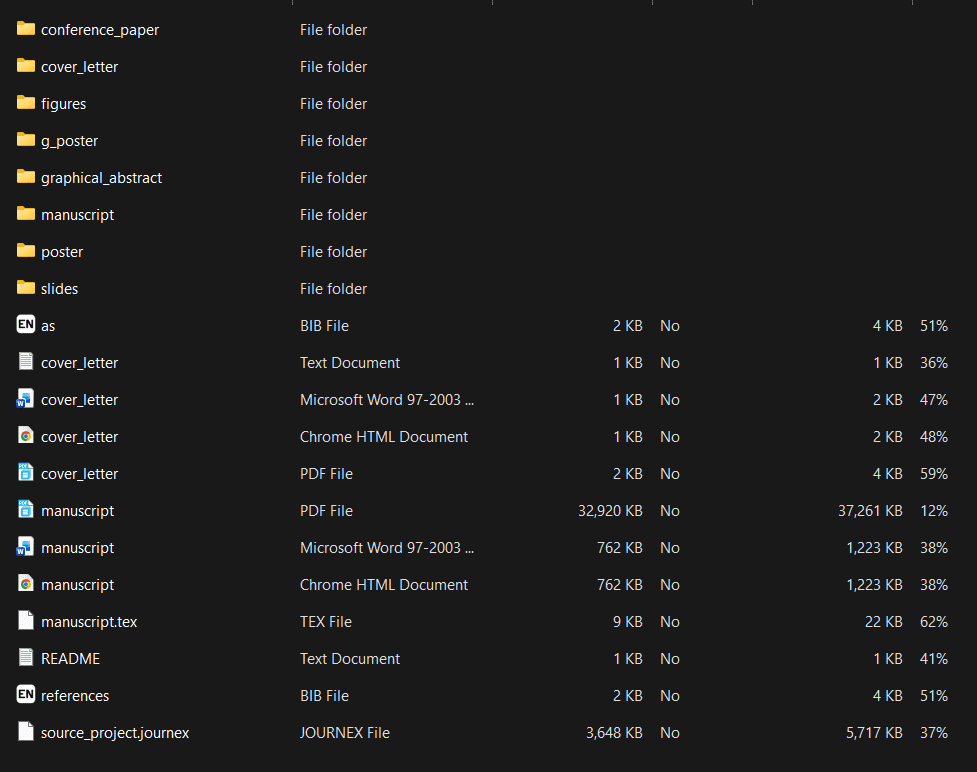
One document. The right academic package.
Use Cure for journal packages or Studio for books, theses, dissertations and thesis-derived articles. Ask PubNex is available as an added voice-command shortcut for users who want faster navigation and reviewable workflow actions.